01 — GET READY↗
Activate. Allow location.
Install the Android app, activate it with your license key, and allow location access so it can find saved places near you.
 locationcodesLESS GUESSWORK. BETTER STOPS.
Find and share access codes at the places you visit. Location Codes uses your GPS to bring nearby codes into view—so you can get on with your day.
Direct Android APK download. Sign in to the customer portal to start your free trial and get an activation key.
Built for Android · Powered by local knowledge
From your first setup to your next stop, keep useful access information close at hand.
Install the Android app, activate it with your license key, and allow location access so it can find saved places near you.
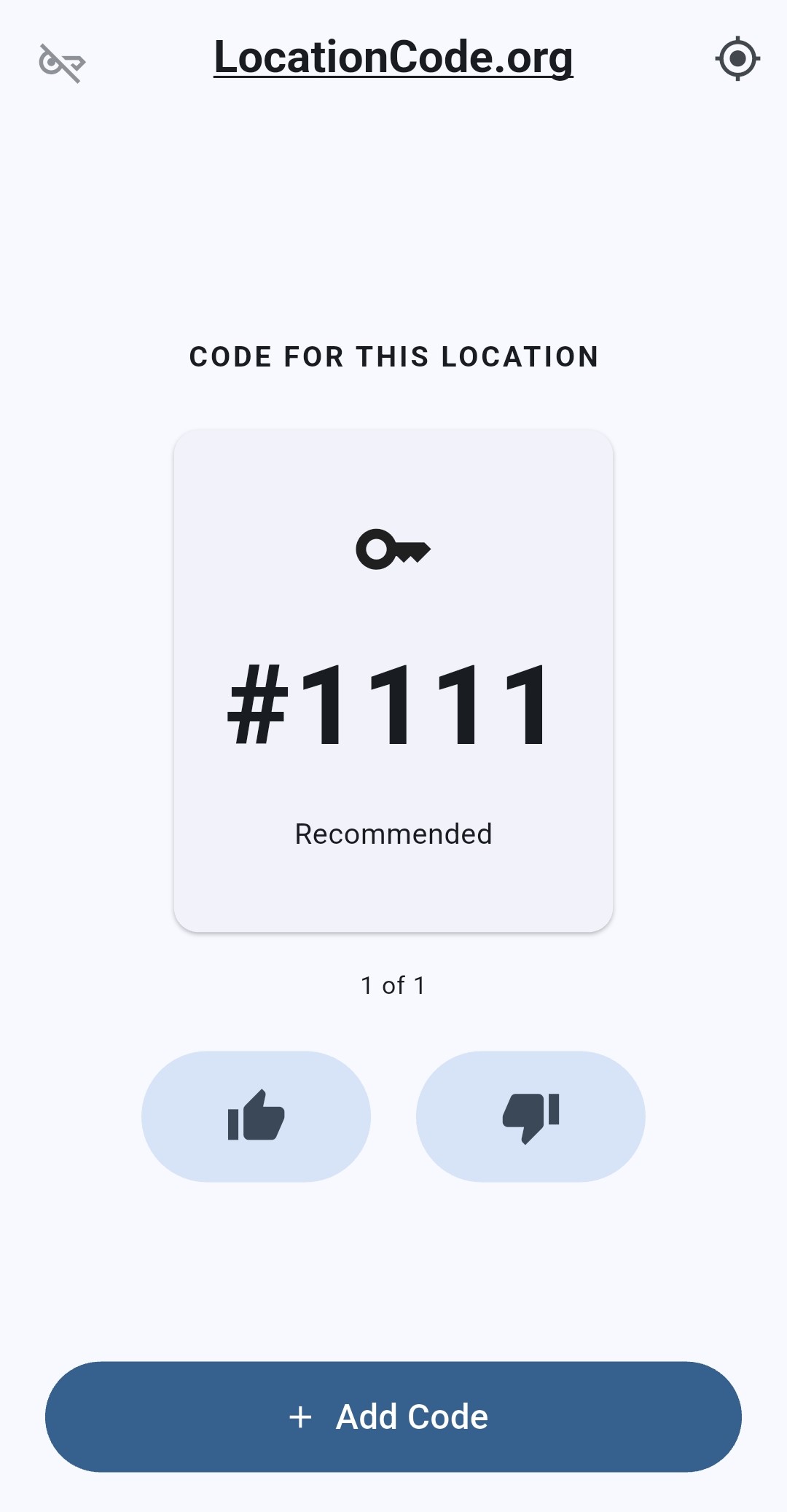
When you arrive near a saved location, view the codes associated with that spot. No scrolling through old messages to find them.
Add a code while at the keypad. Give working codes a thumbs-up, or mark one that doesn’t work to help keep information useful.
The right location matters. Only add codes while you’re at the keypad or very close to it—and only share codes you’re authorized to share.
Actual Android app screenshots. From sharing the first code to finding one when you arrive.
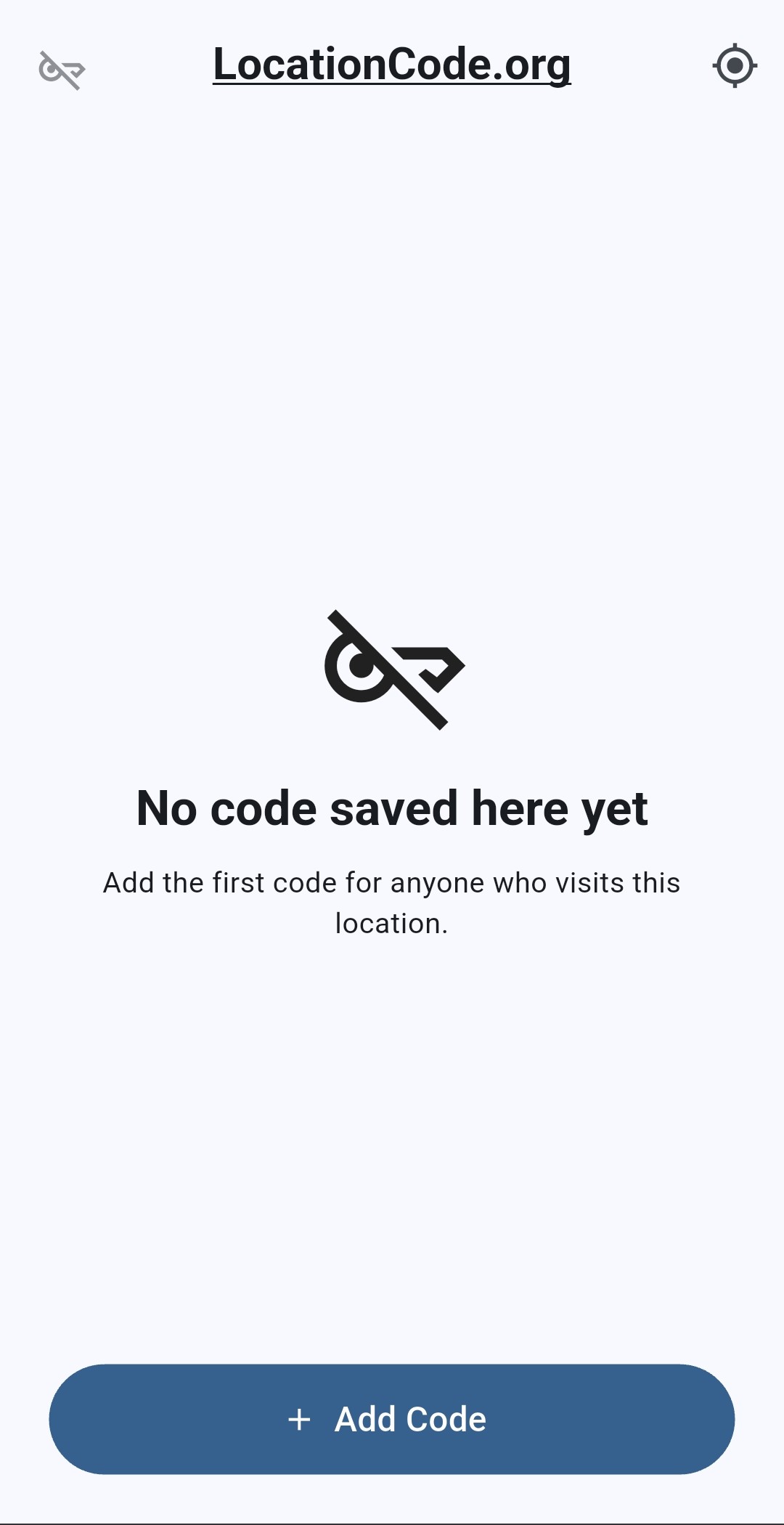
No saved code at this spot? Add one while you’re at the keypad or very close to it.
View a code for your location and let others know whether it works with a quick thumbs-up or thumbs-down.
Start with a 7-day free trial on Android. iOS is coming soon.
Direct Android APK download. Sign in to the customer portal to start your free trial and get an activation key.
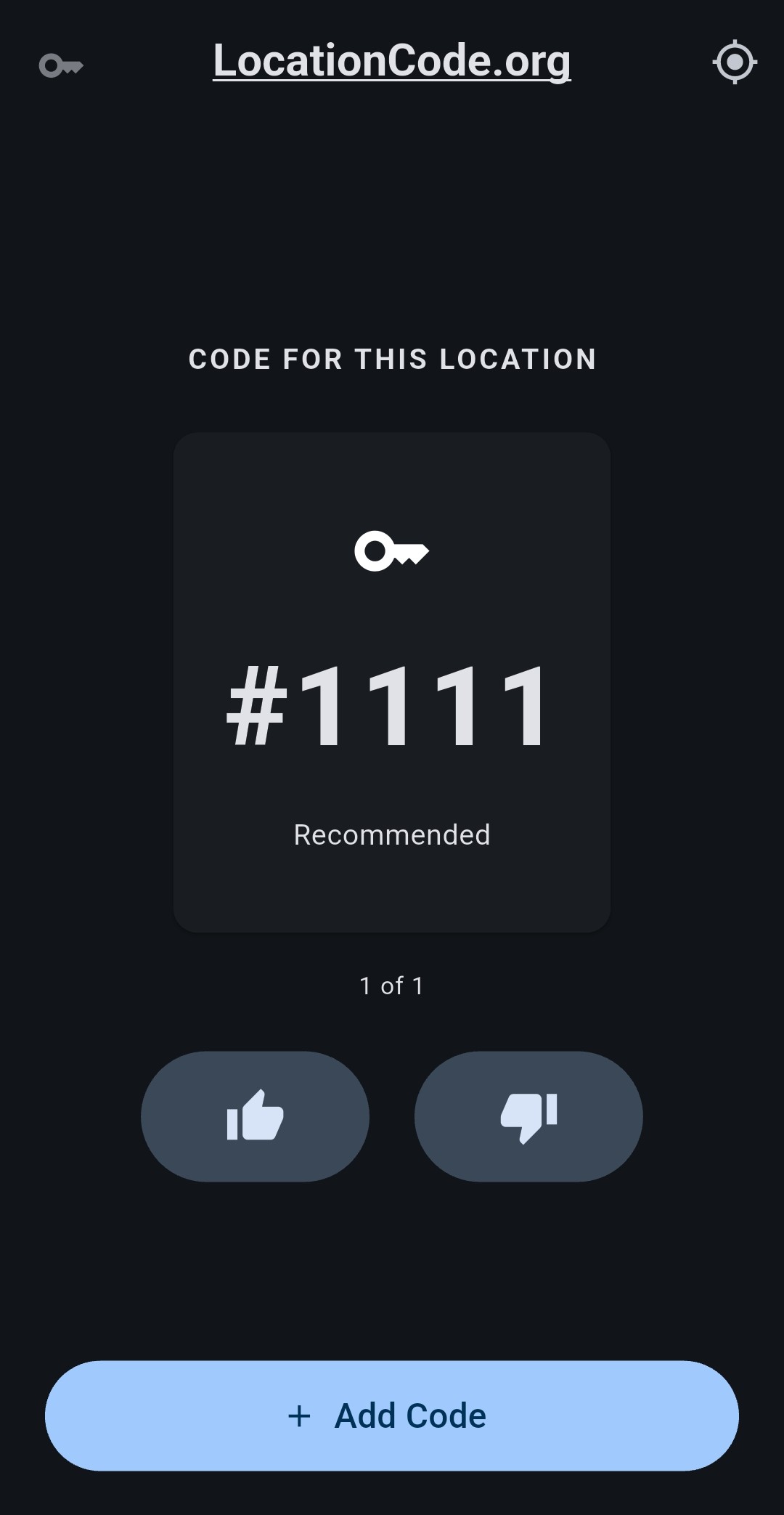
Location Codes automatically switches to night mode at sunset and back to light mode at sunrise, using your location.
A darker screen, clear codes, and the same simple controls—without changing a setting every evening.
Automatic night modeIf sunrise and sunset times are unavailable, the app follows your phone’s theme.
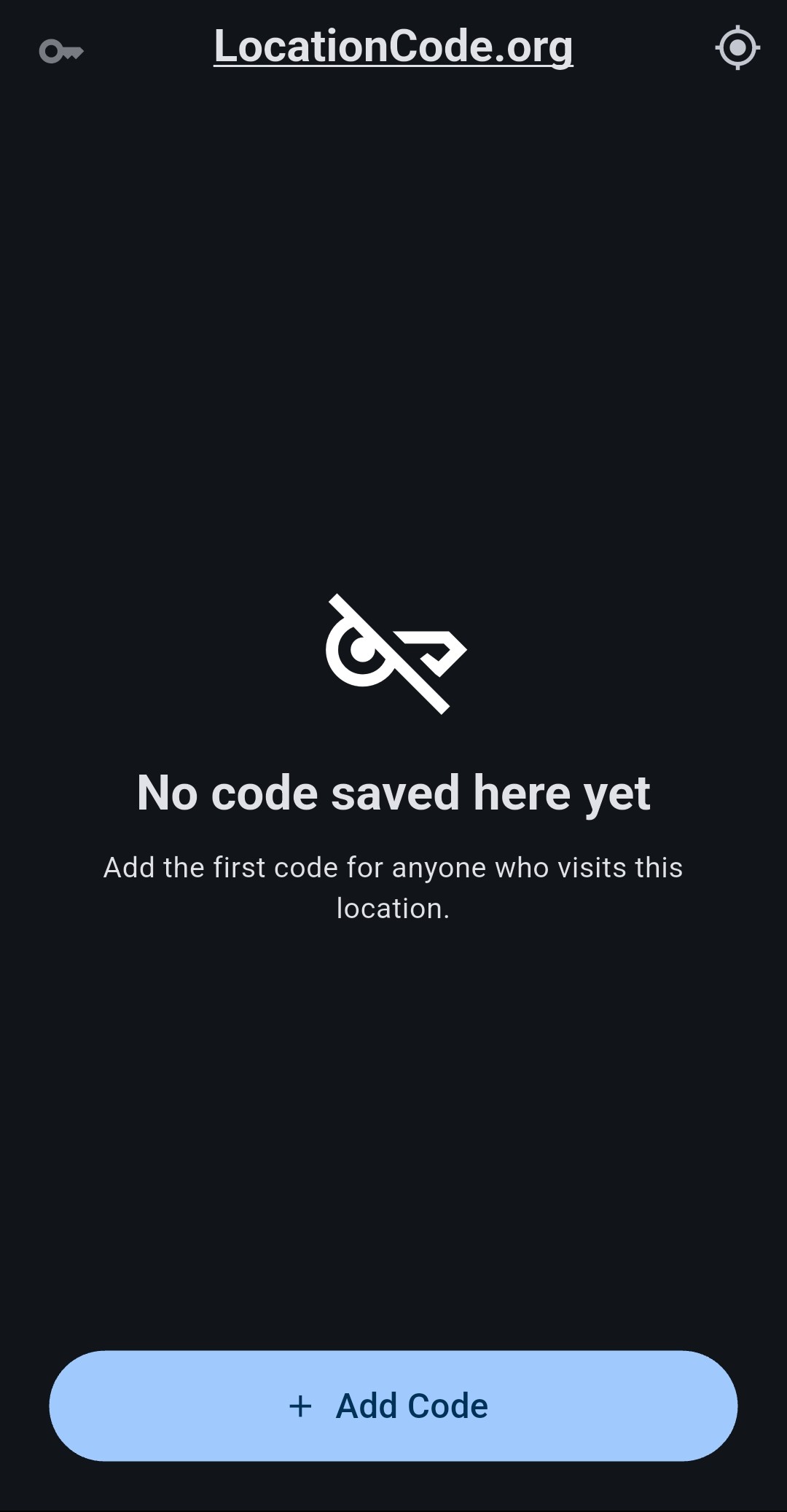
With the app open and location enabled, Location Codes checks for saved locations within 100 feet of your GPS position. When a saved location is detected, its codes appear in the app.
If there are no saved codes at your location, you’ll see “No code saved here yet” and the Add Code button. GPS accuracy can affect when a nearby location is detected.
Location Codes is designed for delivery drivers and delivery businesses of all sizes—from independent couriers to large delivery teams. It helps keep authorized, community-shared gate access information close at hand, with the aim of reducing delays caused by missing or outdated access details.
Always follow the property owner’s instructions and your delivery company’s policies. A saved code is not permission to enter. Location Codes does not claim endorsement by or affiliation with any delivery company.
See how to get started →Turn on delivery mode for nearby-code alerts within approximately 100 feet of a saved location—even while Location Codes is minimized or your screen is locked. Alerts include a distinctive built-in sound.
Choose Start delivery mode when you open the activated app, or select Not now. Optionally enable Automatically start when I open the app for future launches.
Enable Show codes on lock screen to display the code without opening the app. Anyone looking at your phone may see it. Android notification settings control banners, sound and lock-screen visibility.
Tap the upper-left key, choose Delivery mode, then Stop delivery mode. You can also change automatic start and lock-screen settings there. Repeated alerts at the same stop are suppressed.
Allow location and notification permissions. Delivery mode uses more battery and needs a usable GPS signal and internet connection. Do Not Disturb or phone battery restrictions may affect alerts. Force-stopping the app or restarting your phone stops delivery mode; reopen the app to start again. Only view or interact with codes when safely stopped.
Download the updated Android appSimple tools that work together to make shared access information easier to find and maintain.
The app automatically switches to dark mode at local sunset and returns to light mode at sunrise.
Your location helps the app identify nearby saved places and show their associated codes.
Save a code at the keypad so it’s connected to the place where someone will actually need it.
Mark working codes as good. Flag a failed code to move on and help remove outdated information.
The app’s License menu lets you deactivate your current device before activating another.
We’re bringing Location Codes to compatible Wear OS watches, including supported Samsung Galaxy Watch and Google Pixel Watch models.
Open the watch app to see nearby saved codes without opening Location Codes on your phone. Connect through your paired phone, Wi-Fi, or a watch with cellular service.
In development. Watch downloads are not available yet. Apple Watch and older Samsung Tizen watches are not supported by this version.
Connect your company software to Location Codes. Access API keys, individual SDK downloads and integration instructions from your developer dashboard.
Get familiar with the app before your first stop.
Yes. Location Codes uses sunrise and sunset at your location to switch automatically between light and dark mode. It switches to night mode after sunset and back to light mode at sunrise. If sunrise and sunset times are unavailable, it follows your phone’s theme.
Yes. Sign in to the customer portal with your email, select Start my 7-day free trial, and use the license key to activate the Android app. No payment method is required, and the trial does not turn into a paid subscription automatically.
The Android app uses your phone’s location to look for saved codes nearby. When you reach a saved location, the app can show its associated codes. Location permission and a usable GPS signal are needed.
Stand at the keypad or very close to it. The code is saved to your current GPS location. Adding it from home, down the street, or after you have left may attach it to the wrong place.
Start your free trial, activate the Android app and get ready for your next stop.